VitalsTrack
A simple Android logbook for blood sugar and blood pressure. Free. No account. No internet. Everything stays on the phone.
- Free
- Works offline
- No cloud
- No servers
See it in action
Why it exists
I built this so I wouldn't have to keep filling in paper forms and notebooks while tracking health readings for someone close to me. Anyone in the same situation can use it.
Why on-device
Health numbers are personal. VitalsTrack does not talk to a server, does not require a login, and does not send readings anywhere. The database lives on the phone. If the phone is offline, the app still works.
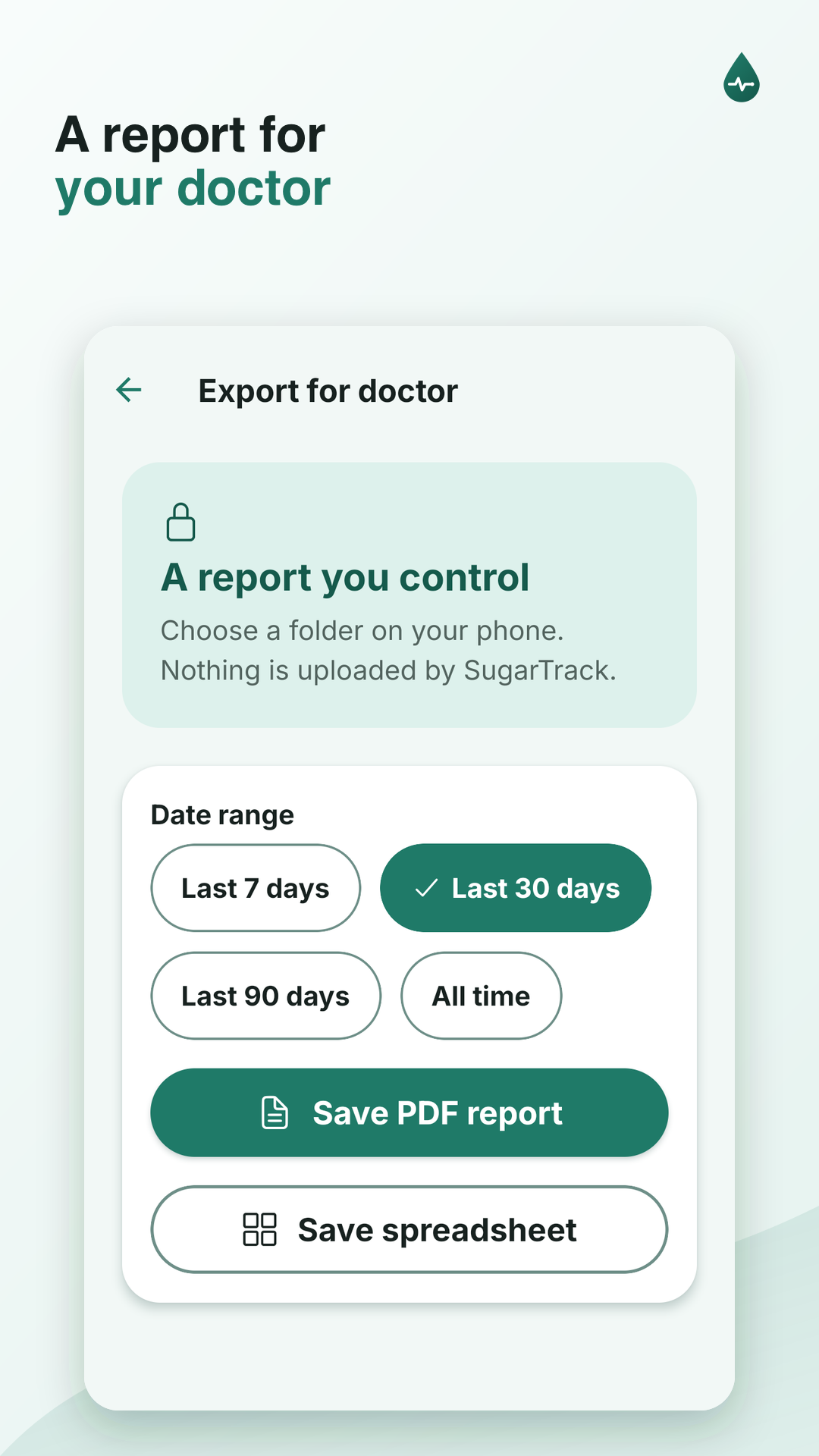
There is no cloud backup unless you make one yourself. Use Export for Doctor (PDF) or Backup in settings to save a copy to a folder on the phone.
What it does
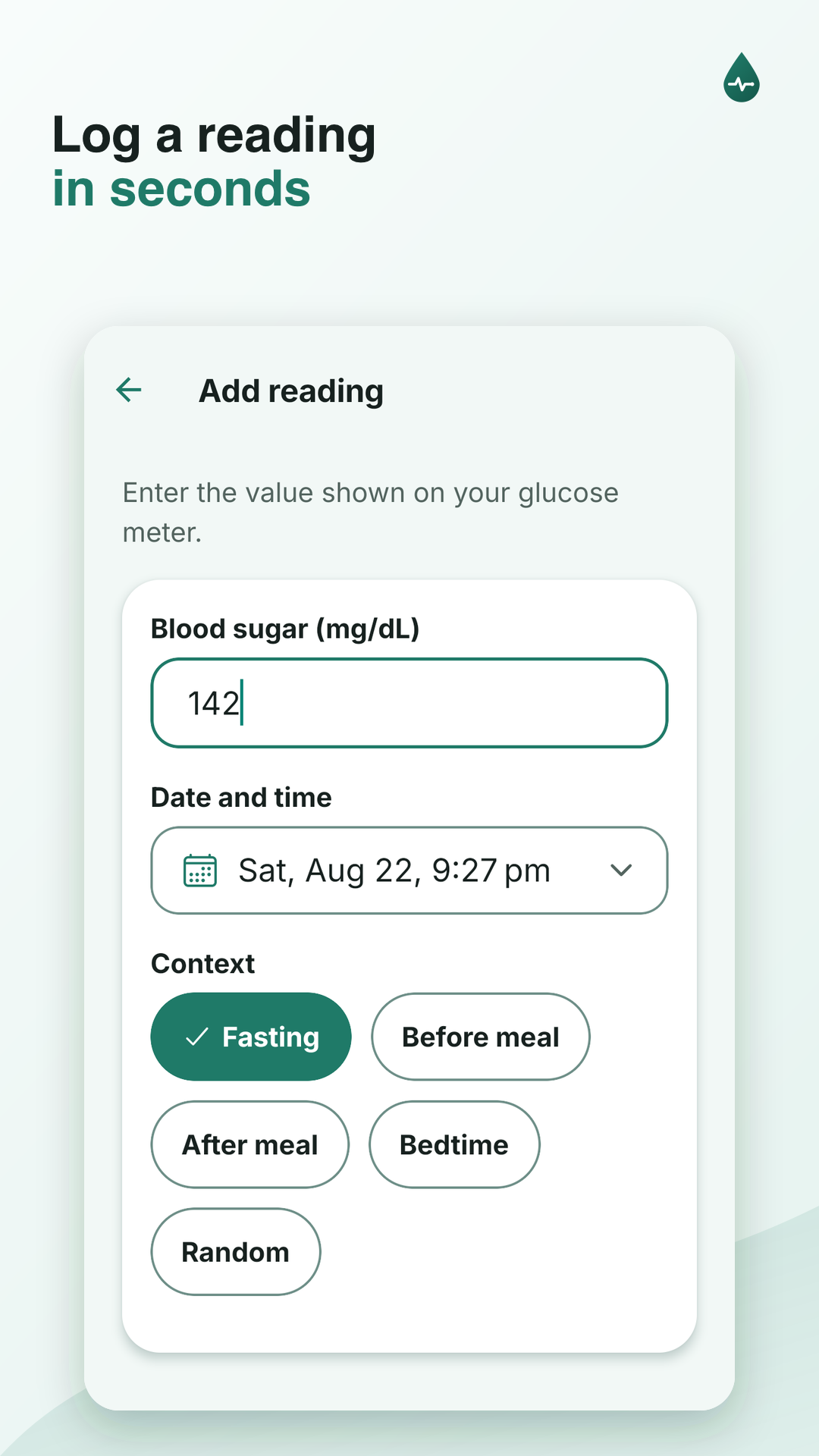
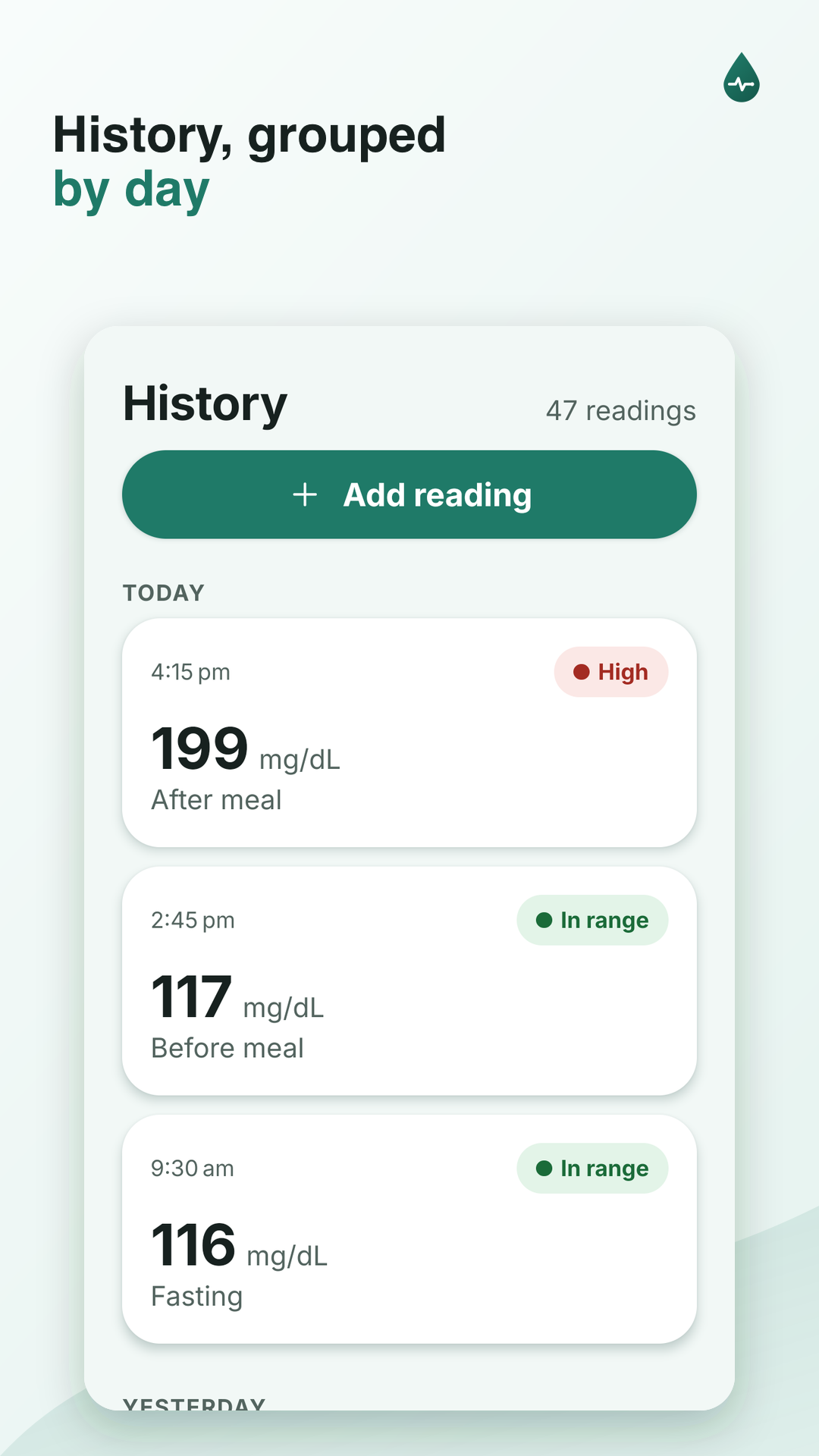
- Log blood sugar with time, context (fasting, before/after meal, bedtime, or random), an optional note, and an optional meal photo
- Log blood pressure with systolic and diastolic values, time, and an optional note
- See separate blood sugar and blood pressure cards on Home
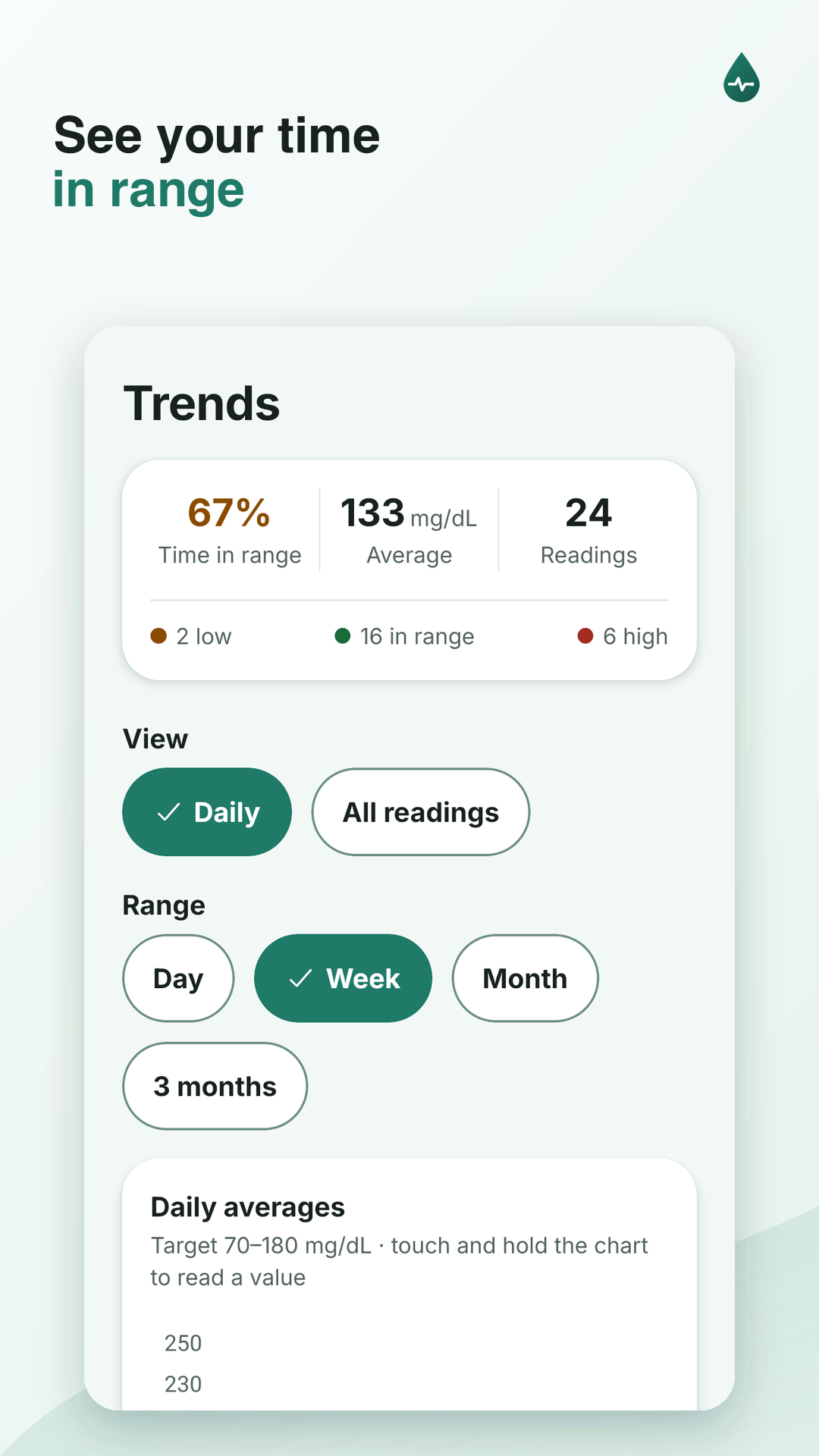
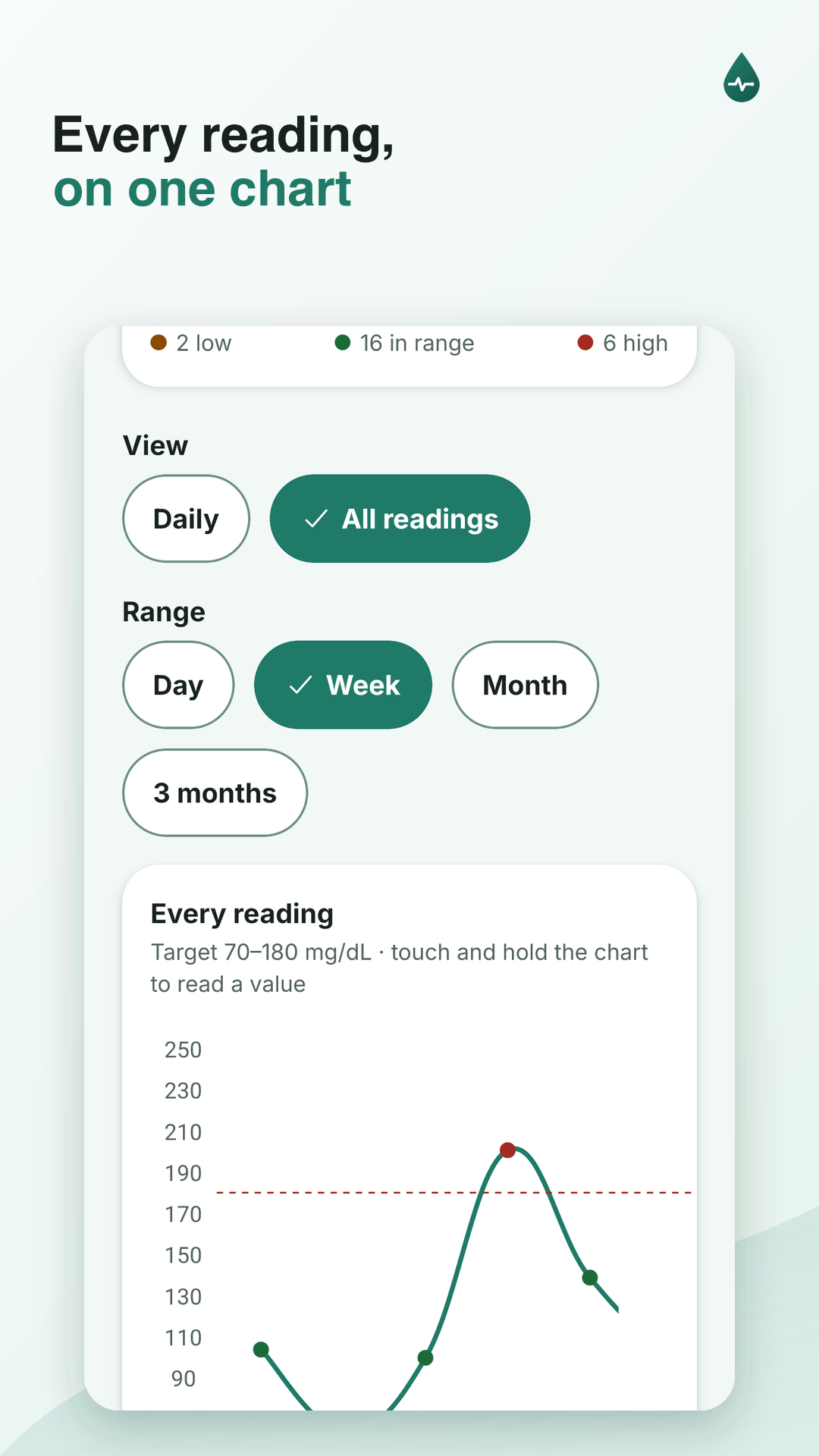
- Filter History by Sugar or BP and browse trends
- Log medications and A1C results
- Set a daily reminder so a reading doesn't get skipped
- Export separate blood sugar or blood pressure PDF reports
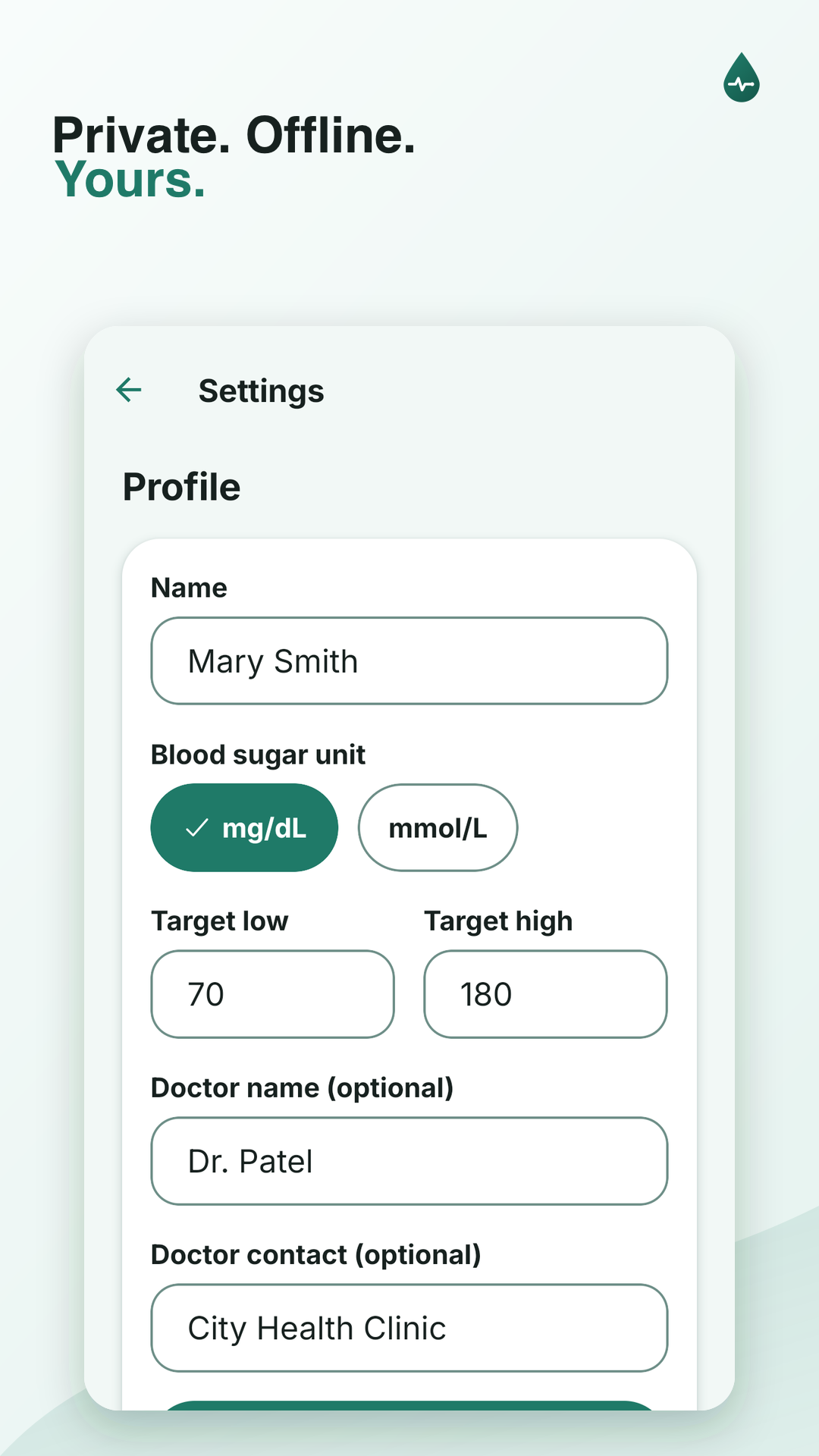
Units can be mg/dL or mmol/L. Target high/low is yours to set.
How to install
- Tap the download button above on your Android phone.
- Open the downloaded file. If prompted, allow installs from this source (Settings → “Install unknown apps”).
- Tap Install, then open VitalsTrack once it's done.
Support this work
VitalsTrack is the first of several planned apps for health and lifestyle tracking — all offline, all on-device, and built around problems people actually face. No accounts, no cloud, and no subscriptions.
If this project is useful to you, starring the repository on GitHub is a simple way to show support. It also helps make the case for building more tools in the same spirit.
Star on GitHubVitalsTrack is a logbook, not a glucose meter or blood pressure monitor, and not medical advice. Readings come from your own devices. Talk to a doctor about what the numbers mean.